
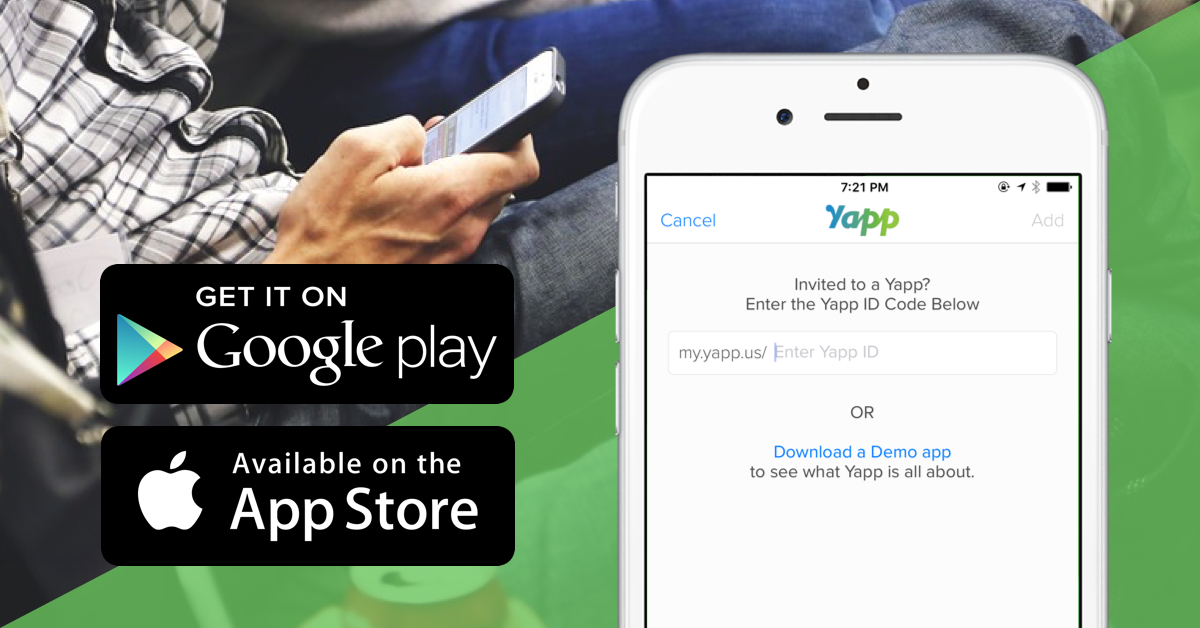
Downloading your app is extremely easy for you to download to your iOS and Android devices. Here are instructions you can give your users. Please replace [YAPPID] with your ID from your dashboard.
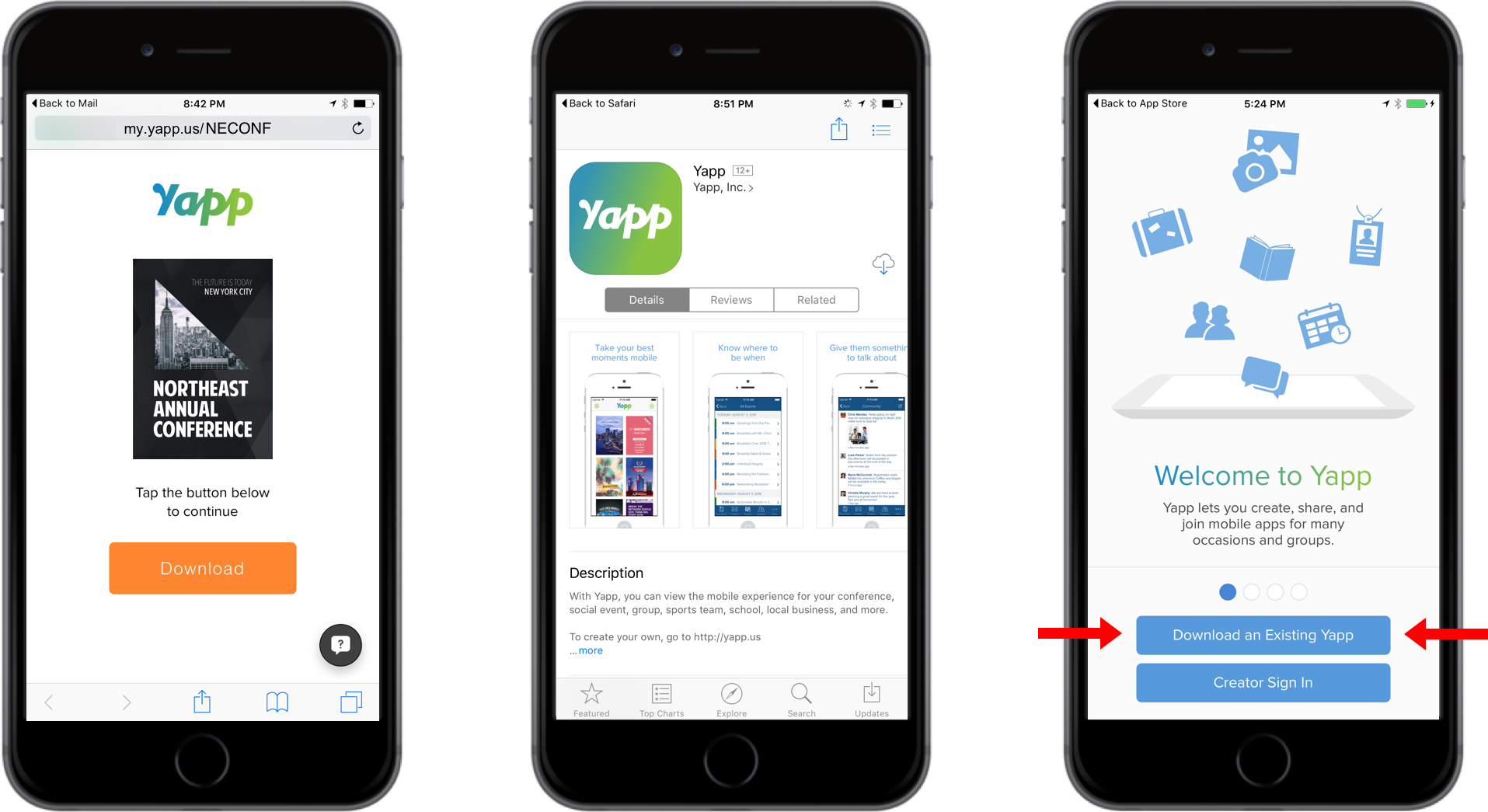
- Visit http://my.yapp.us/[ YAPPID ] on your device and follow the instructions on the page
- You'll be asked to install Yapp from the app store (if you don't have it already)
- Open Yapp and tap "Download an existing Yapp" and your app will appear.
You can also make it easy for your users at your event by customizing this template.
Yapp_Download.pptx (1 MB)


